
Broken layouts, forms that won’t send, or problems after an update? Get website repair help from Savage Web Solutions and a clear next step for addressing what’s wrong.
Your website should make it easy for people to understand your business and contact you. When something stops working, you need a clear explanation of the problem and a practical plan for addressing it.
WordPress · Elementor · Shopify
Some problems are obvious. Others go unnoticed until a customer mentions them or an inquiry never arrives. These are common signs that your business could use website repair help.


Address broken sections, inconsistent spacing, overlapping elements, and styling problems. The aim is to make the affected pages easier to read, navigate, and use.
Improve layouts, menus, text, and buttons that don’t behave properly on smaller screens. Important information and customer actions should remain usable across relevant devices.
Investigate what happens between completing a form and receiving the message. That may involve field settings, submission behavior, integrations, or email delivery configuration.
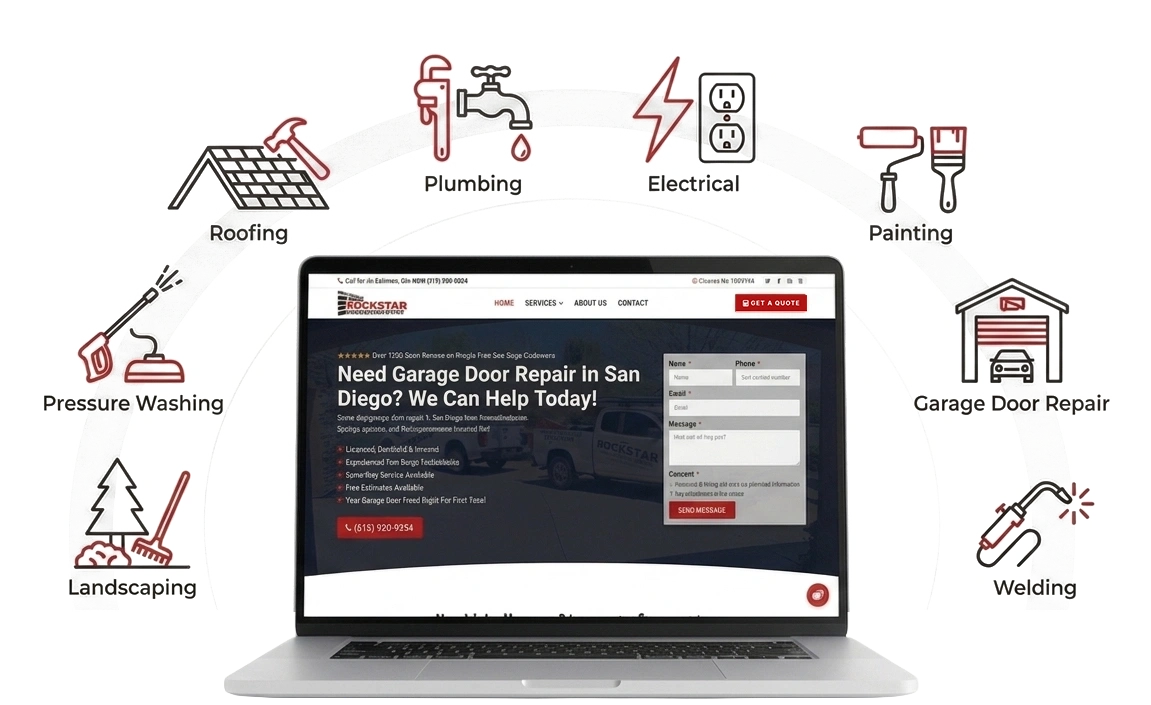
Identify factors that may be slowing down important pages. Recommendations should follow the findings, rather than assuming every slow website needs the same changes.
Investigate unexpected behavior involving WordPress plugins, themes, and related settings. A visible problem may come from several components interacting rather than one isolated fault.
Review problems involving product pages, cart behavior, checkout, and connected store features. The scope depends on where the purchase process breaks down and which systems are involved.
WordPress, themes, and plugins are developed separately. An update can change how a feature behaves or expose a compatibility issue elsewhere. Leaving software untouched can create problems too, so the answer isn’t simply to avoid updates.
Hosting, domain settings, email services, and server configuration all influence how a website works. Sometimes a problem that appears on a page begins outside the page builder and requires attention to the underlying setup.
New plugins, copied sections, custom styling, and quick fixes can make a website more complicated to maintain. An issue may appear suddenly even when its cause has been developing through several earlier changes.
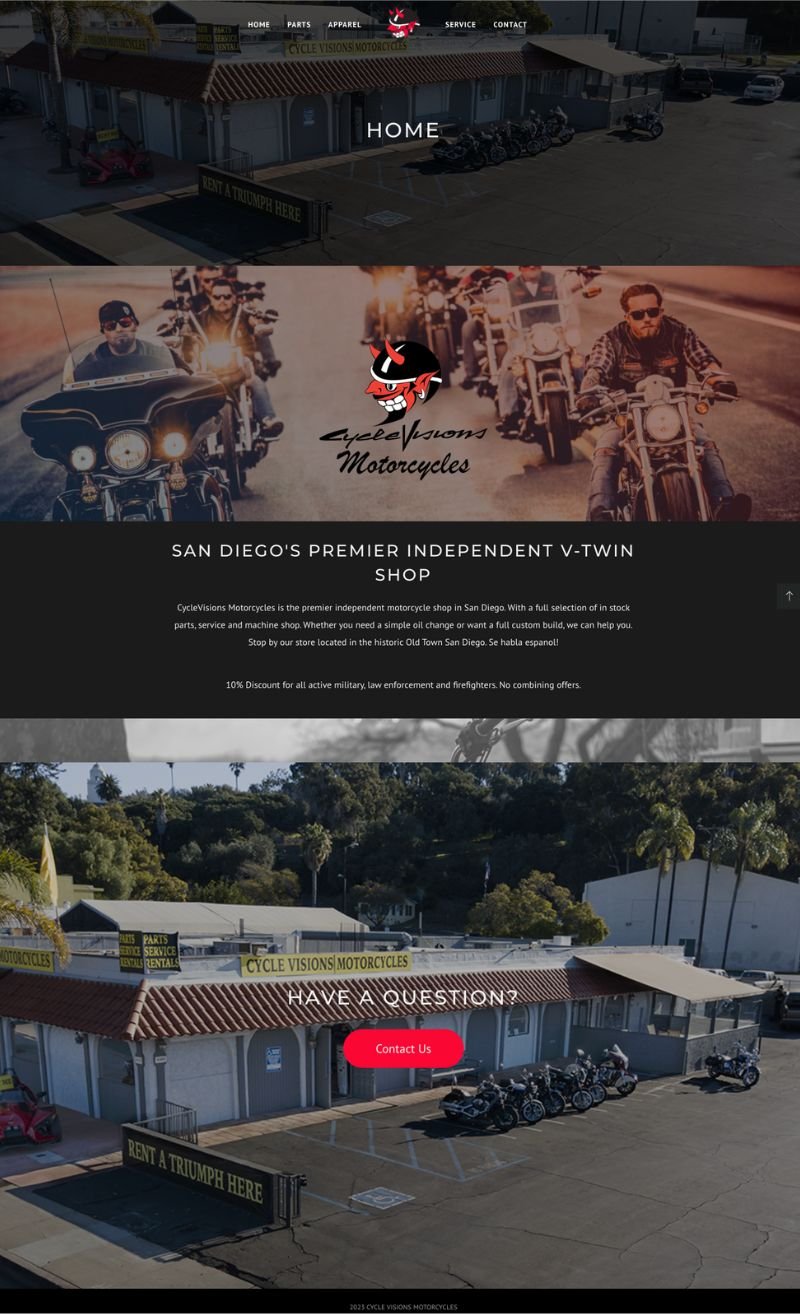
WordPress website repair starts with identifying whether the problem involves your theme, plugins, settings, or hosting environment. You might see an error message, lose access to a feature, or notice unexpected behavior after an update.
WordPress troubleshooting may involve plugin conflicts, broken page layouts, contact form problems, or features that no longer work as expected. The goal is to understand which components are involved and define a practical repair scope without assuming you need a replacement plugin or a complete rebuild.
Elementor website repair focuses on problems affecting the editor, the published page, or both. Common issues include broken layouts, inconsistent spacing, mobile display problems, and styling that looks different between the editor and the live website.
Elementor troubleshooting may involve widget settings, shared templates, custom CSS, caching, or interactions with your WordPress theme and plugins. Tell us where the issue appears and which pages are affected so the investigation can distinguish a page-specific problem from a change affecting the wider website.
WooCommerce website repair involves identifying where the shopping experience stops working as expected. Product options, stock settings, shipping rules, payment gateways, and additional plugins can all affect the path from product page to completed order.
WooCommerce troubleshooting may cover cart errors, checkout problems, incorrect shipping calculations, or conflicts between store extensions. Some issues can be addressed within the website, while others require coordination with a payment provider or hosting company. The proposed repair should account for those dependencies and the purchase steps that need testing.
Shopify website repair can address problems with your storefront’s theme, page layouts, navigation, product displays, or connected apps. You might notice a section displaying incorrectly, an app feature no longer working, or a mobile layout that makes shopping difficult.
Shopify troubleshooting starts by identifying whether the issue comes from theme settings, custom code, an app integration, or store configuration. Some checkout and platform functions are controlled by Shopify, so available fixes depend on your setup and plan. Issues involving those systems may need support from Shopify or the relevant app developer.
Wix website repair can involve broken page layouts, mobile display issues, navigation problems, forms, or connected apps. A page may look correct in the editor but behave differently after publishing, or a recent change may affect how visitors use the site.
Wix troubleshooting focuses on the affected elements, editor settings, and integrations. The approach depends on whether your site uses the Wix Editor or Wix Studio and whether custom Velo code is involved. Problems within Wix-managed services may require Wix support rather than a change to the page itself.
Identify the pages, features, or problems the project will address. Make clear what needs to change and whether anything requires further investigation or a separate decision.
Match the checks to the repair. A form issue calls for checking the submission process; a layout change calls for reviewing the affected pages and screen sizes.
Make it clear what was addressed and what may still need attention. Repairing one feature doesn’t mean every part of the website has been reviewed.
The bigger problem may be how the website is built around your business. A redesign becomes more relevant when individual fixes won’t address the underlying limitations. That may involve outdated content organization, difficult navigation, or a setup that no longer suits your requirements.
Technical details should help you make decisions. The goal is to explain the issue and proposed work in language that connects to how you use your website.
Start with what’s getting in the way. Separate the necessary repair from optional improvements so you can understand the purpose of each part of the proposed work.
The next step might be a focused repair, further investigation, or a broader website discussion. It should follow the findings and reflect what your business needs.
Website repair costs depend on the problem, the setup, and what it takes to investigate and test a fix.
A small styling correction is different from an intermittent checkout error involving several services. Even problems that look similar can have different causes.
Share the details so we can discuss the next step and clarify any investigation needed to establish the repair scope.
A clearly identified issue may need a focused change. A problem that appears inconsistently, affects shared templates, or involves third-party systems may require more investigation and coordination.
The checks also need to match the work. Changing a content section and changing a purchase process involve different considerations.
Pricing, investigation charges, and any separate costs should be clarified before the relevant work is authorized.
A few clear observations can make your website repair request easier to assess. You don’t need to investigate the entire site yourself or work out the technical cause.
Focus on what happened, where it happened, and what you expected instead. If you don’t have every detail below, send what you know.
Make a short list of the pages or actions that are not working as expected.
If the issue happens after clicking a button or completing a form, describe those steps. For example: “I opened the contact page, filled in the required fields, and clicked Send. No confirmation appeared.”
If several pages are affected, include a few examples and mention any pattern you’ve noticed. That helps distinguish a problem with one page from something that may affect a shared feature.
Record when you first noticed the issue and any recent updates or changes you know about.
That might include a plugin update, a new page, a hosting change, or an adjustment to a connected service. You don’t need to decide whether that change caused the problem or not, just explain the timing.
If you’re unsure, say so. The last time you remember the feature working can also provide useful context, even if you don’t have an exact date.
Include the device, browser, and exact error message if one is visible.
Explain what you expected to happen and what happened instead. “The menu opens, but I can’t tap the links” is more useful than “the mobile site is broken.”
If you’ve already noticed that the issue happens on one device but not another, mention it. There’s no need to install software or make changes to the website just to gather these details.
Remove customer information and other private details. Do not send passwords through the inquiry form.
A screenshot can help explain a layout problem or show an error message, especially when the issue doesn’t appear consistently. Include enough context to show where it happens.
Avoid making several untracked changes while collecting information. That can make the original problem harder to reproduce. If access is needed later, the appropriate method can be discussed separately.
You can contact us about an existing website even if someone else built it. Whether the repair is a fit depends on the platform, the issue, and the available access. Share the website address and describe the problem so we can discuss what would be involved.
WordPress and Elementor issues are part of the website repair conversation, including broken layouts, responsive styling, and unexpected behavior. The approach depends on the theme, plugins, templates, and customizations involved. Send the affected page and mention whether the issue appears in the editor, the published website, or both.
You can request help with WooCommerce product, cart, and checkout problems. These may involve store settings, plugins, payment services, or other integrations. Describe the step where the customer gets stuck and any visible error. Some situations may also require input from the relevant third-party provider.
Website maintenance can be discussed separately from the website repair. It may be useful if you want ongoing help instead of handling each website task yourself. The appropriate arrangement depends on your setup and needs; a repair project doesn’t automatically include continued monitoring, updates, or an ongoing support agreement.

For businesses that need better service pages, landing pages, blog content, messaging, or a clearer plan for how their website should bring in customers.